
Leading Home-Run Hitters
Who are the MLB's leading home-run hitters? This post will look to gather data from the web to find information about them.
Introduction
I am a longtime baseball fan. I love following along with the players and teams to see how they are doing and to see which contracts pan out and which ones don’t. And it’s only fitting that today (as of writing this) is Opening Day for the new season.
In preparation for all of the exciting things that a new season is bound to bring, I wanted to know what the current leaderboard looks like for home-runs. Not only that, but I wanted to potentially get a few additional insights into what causes certain players to hit so many while others just never seem to be able to get the ball past the outfield wall.
Here we will discuss the procedures I used to collect this data, as well as some additional potential that exists to expand this project in the future.
Sources of Data
In thinking about this project, we run into a problem at the very start in thinking about where to collect data from. The sport of baseball is driven by data. Every bit of data that can be collected about every game, every player, every pitch, every throw, etc. is being stored by somebody in some data warehouse. We will never run out of baseball data to look at. So the problem is not as much about finding a place where the data exists, but more about finding a place where the data can be taken ethically. Partly out of consideration for the question of ethics and partly out of a desire to practice some web scraping techniques, I chose a source that was definitely not the easiest or cleanest in terms of data collection.
The data that I used can be found on the website called Baseball Almanac.
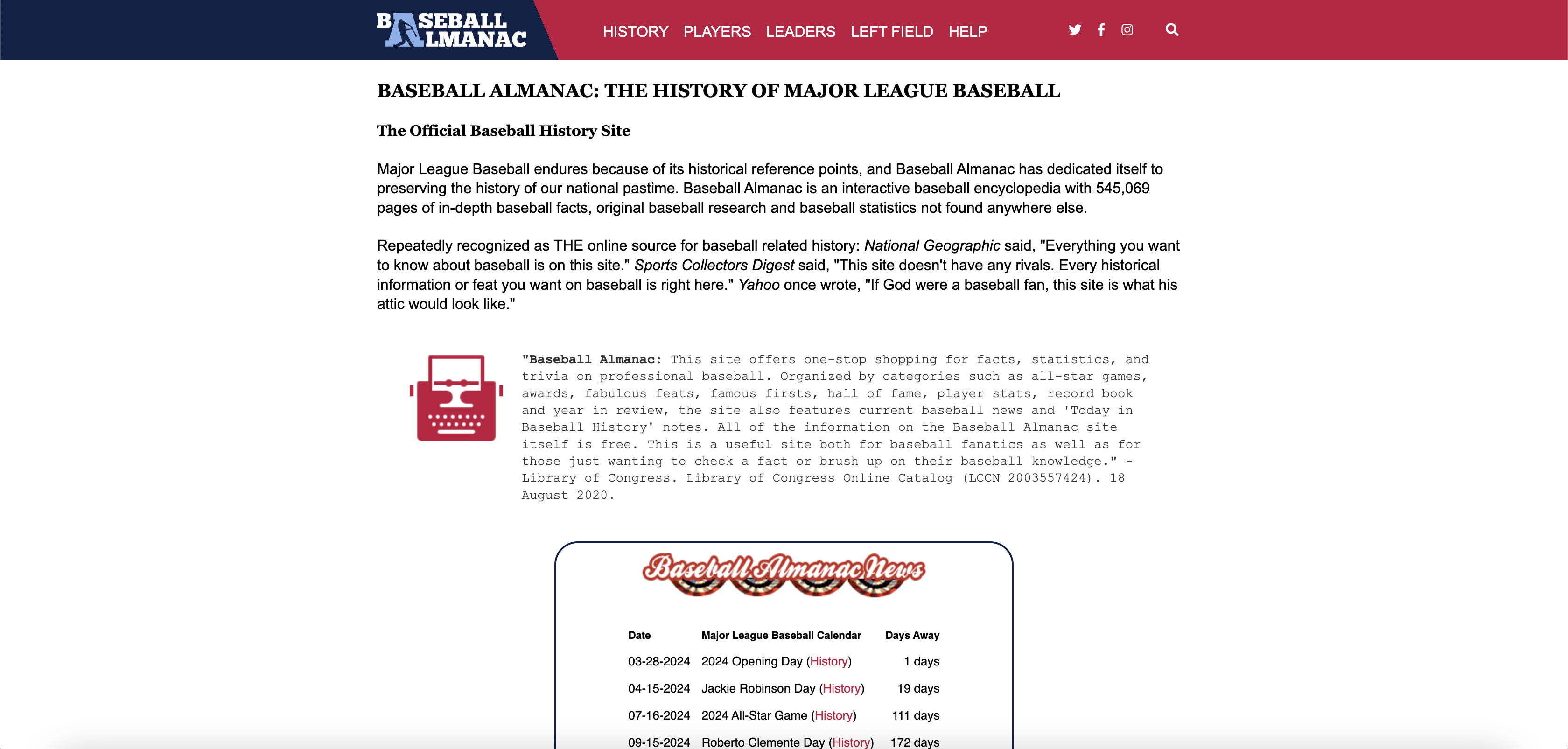
This website contains a plethora of information about all things baseball. A quick check at the robots.txt page on the website let me know that there are no restrictions on scraping data from the website so I decided to move forward with this as the source of my data.
Luckily for me, a page has already been compiled on the home-runs leaderboard. Unlickily for me, this page only includes the name of the player and the total number of home runs they have hit. So I would need to find an additional source for the rest of the desired information about these players.
Collecting the Data
Leading Off
Because part of the motivation for collecting data in this way in the first place was to practice web scraping, I decided to use the selenium package in Python instead of the requests package or some other tool. As I’ll bring up later, this caused me to learn a few more advanced techniques with selenium than I knew at the start of the project, but I consider that a plus and not a minus.
The initial setup was straightforward; I was able to find a consistent way to find all of the player’s names and home-run totals on the page and loop through to collect the text data for each. But then I needed to find a place to collect more specific information about all of the same players and then combine it all into a nicely packaged dataset. Again, luckily for me, the Baseball Almanac made things relatively straightforward.
Thrown a Curveball
Each player’s name on the leaderboard was actually an internal link to a biography/stats page for that player. As I collected the name of each player, I could also collect the link attribute for that player. I’ve included some code below that was helpful. I knew how to grab the text from an element, but I wasn’t sure how to grab an attribute of the element. It turned out to be pretty intuitive:
player_links.append(player.get_attribute("href"))
- “player_links” is the list of links to the player’s biographical page
- “player” is the data type housing the HTML element which contains the player’s name in the leaderboard table
- “get_attribute” is the method which extracts the value passed into the specified HTML attribute
- “href” is, of course, the attribute that we wanted to extract because it contains the hyperlink to the player’s biographical page
Once all of these links had been collected, I was then able to start navigating to the different links and collecting more specific information about all of these home-run hitters. I, of course, could have simply called “get” method off of the webdriver that was initialized at the beginning of the script, navigating to each page in turn, but I wanted to keep the main leaderboard open in the first tab while opening and closing the other pages in new tabs.
In a Pickle
I learned how to open a new tab on the same webdriver and then how to close the new tab and return to the original tab. With very simple instructions, it would look something like this:
from selenium import webdriver
from selenium.webdriver.chrome.service import Service as ChromeService
from webdriver_manager.chrome import ChromeDriverManager

driver = webdriver.Chrome(service=ChromeService(ChromeDriverManager().install()))
driver.get("https://www.google.com")

original_tab = driver.current_window_handle

# Some action performed here

driver.switch_to.new_window("tab")
driver.get("https://www.wikipedia.org")

# Some action performed here

driver.close()
driver.switch_to.window(original_tab)
The code included above will first initialize the driver, then open the first link. We make sure to store a reference to this tab so we can return back to it later. We can then switch to a new tab and open the second link. We then close the new tab and switch back to the original one.
All in all, the code isn’t very complicated but simply took some digging around in the selenium documentation to find some answers in how best to accomplish the task. So, now that I was able to open up the links to each player’s profile and collect more data about them, I thought that the rest would be smooth sailing, but I ran into one final problem that I had to overcome: Loooooooooooooooooooooooooooooooooooooong load times.
Grand Slam
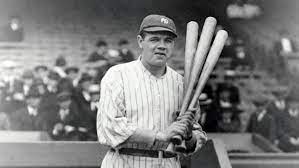
When I ran what I thought was going to be the final run of my Jupyter notebook, I got stuck on the third page in the list. (Picture included below to honor the great Babe Ruth.) The page kept spinning and spinning, just trying to get through loading everything on the page (probably the hundreds of ads on each page), and it just couldn’t make it. After waiting about 10 minutes for it load, I decided to see if there was a way to stop loading the page after a certain amount of time.
Even better, I found that I could stop loading the page once a certain element had been loaded completely. This means that, once the information I needed had been loaded, I could just move on and collect it, no matter how long the rest of the page took to load. I had to import a few more methods and functions from the selenium package and set a few global variables, but then the web scraper ran so smoothly, it was like watching Trea Turner slide into home.

# Additional packages
from selenium.webdriver.common.by import By
from selenium.webdriver.support.ui import WebDriverWait
from selenium.webdriver.support import expected_conditions as EC

options = webdriver.ChromeOptions()
options.page_load_strategy = "none"
driver = webdriver.Chrome(options=options, service=ChromeService(ChromeDriverManager().install()))
wait = WebDriverWait(driver, 20)

wait.until(EC.presence_of_element_located((By.CLASS_NAME, 'boxed')))

driver.execute_script("window.stop();")
In this case, the webdriver waited until the element with the class name of “boxed” was fully loaded and then stopped loading because we didn’t care about anything in the HTML after this element. With this final piece of learning, the web scraper was complete. The dataset about the leading home-run hitters could be scraped, compiled, and saved. And so it was.
Conclusion
Finally, we come to the end of my journey in collecting this data. But really, this is only the beginning. Now that the data has been collected, there is so much that can be done with it! And of course, I will be back to share any insights about what the data reveals.
I also promised some potential applications that could take this project even further in the future. I guess I should probably mention the data that I did collect so that you can think of even more uses for this data. The dataset can be found in the GitHub repository linked here.
I collected:
- Player Name
- Player ID
- Total Home Runs
- Player Quote
- Batting Hand
- College
Here are some final thoughts that I had that you could look at taking further if you feel so inclined (and if nothing else, I have a list of things to come back to whenever I find the time to do something just for fun):
- The quote is found at the top of each player’s biographical page. Some of them are quotes about the player and some of quotes from the player. I couldn’t think of a great way to separate the body of the quote from the source because of inconsistent format. But it would be cool to find a way to get an idea of the source.
- The player ID that was collected is the same player ID that is used in just about all of the other sources of information you might want to look at. Instead of looping through each player’s biographical page, more information might be extracted from an API with MLB data where you pass in those player IDs.
- There were two ways I thought of to check whether a player was active or not (which I still might do before conducting EDA on the dataset because of the additional insights it would grant). First, the player’s name is bolded on the original leaderboard table so it is found in bold brackets ( ) if they are an active player. Second, the player’s biographical page includes the date of the player’s last game, or says “Still active” if they are an active player. Both of these sources could be used to create a boolean value stating whether or not the player is currently active.
- Height and Weight could heavily impact the number of home-runs hit by a player. These additional fields could be collected as well.
- This could be easier to collect from an API or another source, but I wonder how birth country for players would affect their home-run totals.
- There are many players who are tied for a certain position on the leaderboard. On this website only the first player at a ranking had the number next to their name. This meant that it was slightly less than straightforward to include the ranking for each player, but it would be valuable information to include.